How to Replace Excel With Custom Software (Without the Chaos)
When spreadsheets become a liability, and the practical path to a system your team can actually trust.
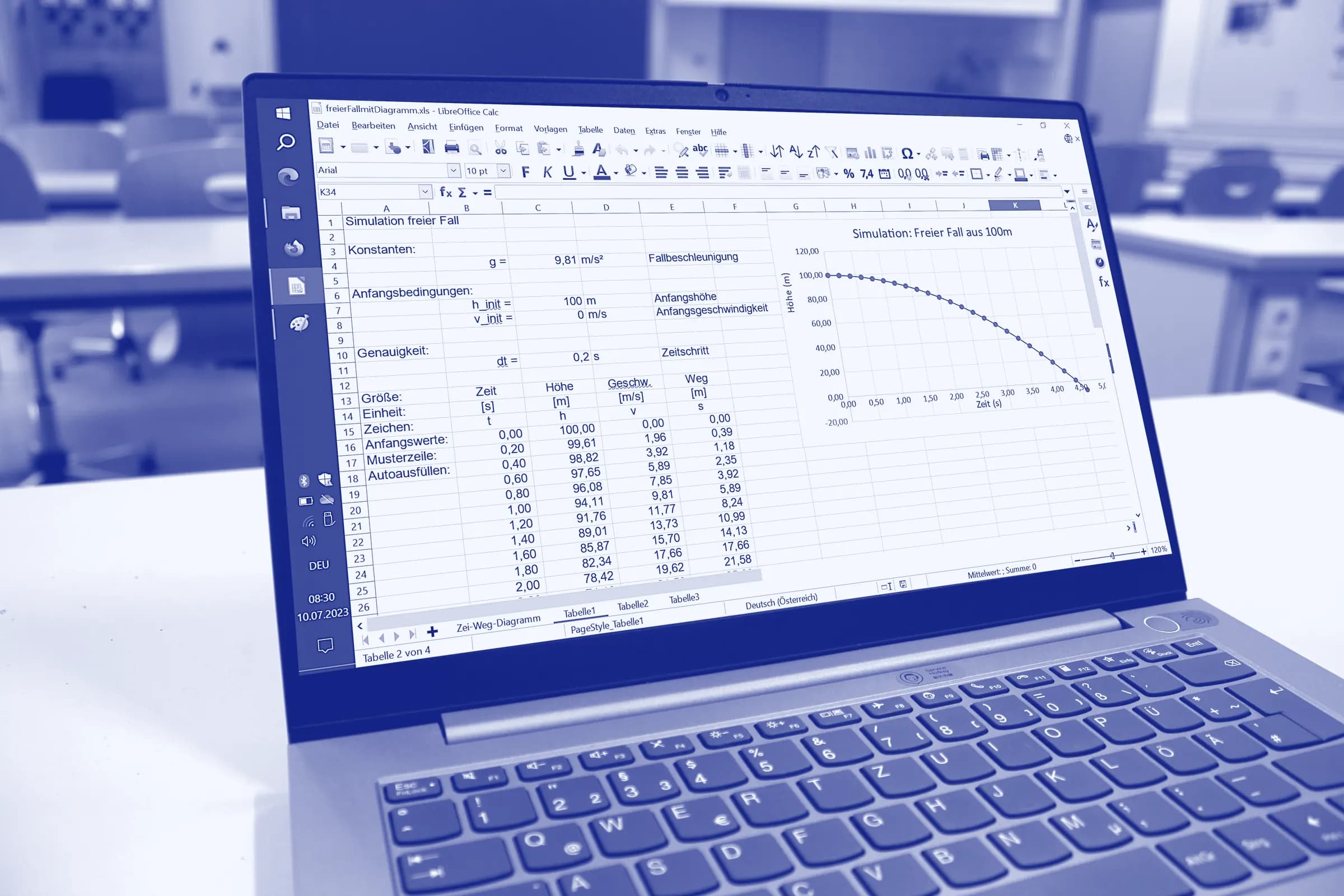
Every growing business hits the same wall. The spreadsheet that once ran a tidy little process has swollen into a sprawling file that crashes, breaks formulas, and hides expensive mistakes. If you are looking to replace Excel with custom software, you are asking exactly the right question at the right time. Spreadsheets are brilliant for quick sums, but they quietly become business-critical systems that nobody fully understands or controls. This guide explains when to make the move, why it pays off, and how to do it without disrupting your team. Along the way, we will show how a tailored Excel replacement solution can give you a reliable tool built around the way you actually work.
Why Excel stops scaling with your business
Excel is one of the most successful business applications ever made, and for good reason. It is flexible, familiar, and lets one person solve a problem in minutes. The trouble starts when that quick fix becomes a permanent process used by a whole team. What worked neatly for one analyst rarely survives ten people editing the same file at once.
As a spreadsheet grows, every new column, macro, and linked tab adds fragility. Formulas reference cells that move, tabs get duplicated, and version control turns into a folder full of files named final, final2, and final-really-final. The tool that once saved time now demands constant babysitting just to stay accurate.
The hidden cost of spreadsheet errors
Spreadsheet mistakes are far more common than most managers believe. Research collected by the European Spreadsheet Risks Interest Group documents real cases where a single cell error cost organisations millions. Studies by spreadsheet researcher Ray Panko, summarised in coverage from the Harvard Business Review, suggest that the large majority of complex spreadsheets contain errors, many of which go unnoticed for years.
These are not rare disasters. They are the predictable result of manual data entry, copy-paste workflows, and formulas that no one ever tests. A single wrong reference can quietly distort a forecast, a payroll run, or an inventory count, and look perfectly normal while doing it.
- Silent errors: broken formulas produce wrong numbers that look entirely credible.
- Lost time: staff spend hours reconciling versions instead of doing real work.
- No audit trail: you cannot see who changed what, or when, or why.
- Key-person risk: only one colleague understands the file, and they might leave.
- Weak security: sensitive data sits in files that are easy to copy, email, or lose.
When one file becomes a single point of failure
Many companies run core operations, from stock levels to project planning, inside a single shared workbook. When that file corrupts, locks, or is overwritten, the whole business stalls. There is no backup logic, no real permissions, and no safety net beyond the last saved copy on someone's laptop.
This is the moment when leaders realise the spreadsheet is no longer a tool but a liability. The risk is not just lost data; it is lost trust in the very numbers that guide every important decision.
Spreadsheets versus custom software: an honest comparison
It helps to compare the two approaches side by side, without pretending spreadsheets have no value. The point is to match the right tool to the size and importance of the job. For a one-off calculation, Excel still wins easily; for a shared, ongoing, business-critical process, custom software wins comfortably.
- Collaboration: spreadsheets fight over one file, while software supports many users safely at once.
- Accuracy: spreadsheets trust the user, while software validates and enforces the rules.
- Visibility: spreadsheets hide history, while software records who did what and when.
- Security: spreadsheets travel freely, while software controls access by role and permission.
- Scalability: spreadsheets slow down and crash, while software grows with your volume.
Industry analysts such as Gartner have long warned about the risks of running serious processes on uncontrolled, end-user spreadsheets. The fix is not to ban Excel, but to graduate your most important workflows onto software that can genuinely be trusted.
Signs it is time to replace Excel with custom software
Not every spreadsheet needs replacing. The goal is to spot the point where the cost of staying outweighs the cost of building something better. The following signs usually mean that moment has arrived for your team.
- Several people need to edit the same data at the same time.
- You copy data between sheets or systems by hand every week.
- Mistakes have already caused real financial or reputational damage.
- The file is so large or slow that it crashes or freezes regularly.
- Only one person truly understands how the spreadsheet works.
- You need reports, approvals, or an audit trail the file cannot provide.
- Customers, suppliers, or auditors expect a more professional system.
If you recognise three or more of these signs, it is worth taking the decision seriously. The longer a fragile spreadsheet stays in place, the harder and riskier the eventual move becomes, because more processes come to depend on it.
The business case to replace Excel with custom software
Replacing a spreadsheet is an investment, so it deserves a clear business case. The good news is that the returns are usually easy to measure once you look at error rates, hours saved, and risk reduced. Custom software turns a fragile file into a dependable asset that supports growth rather than blocking it.
Fewer errors and better data quality
Purpose-built software validates data as it is entered. Required fields, dropdowns, and clear rules stop the typos and broken formulas that plague spreadsheets. Instead of hoping that everyone followed the same manual process, the system enforces it automatically and consistently, every single time.
Better data quality also compounds over time. Clean, structured records make reporting, forecasting, and auditing far easier, because the information is consistent from the very first entry. Your team spends less time questioning the numbers and more time acting on them with genuine confidence.
Time saved through automation
Most spreadsheet work is repetitive: copying figures, formatting reports, and chasing updates. Custom tools automate these tasks so your people can focus on judgement, not data entry. Connecting your systems with reliable data processing and automation can remove entire categories of manual work in one go.
Software that grows with you
A spreadsheet has a ceiling; well-built software does not. As your needs change, features can be added, users can be onboarded, and integrations can be built. Investing in custom web applications gives you a foundation that scales with headcount, volume, and ambition rather than buckling under them.
Where replacing Excel pays off fastest
Some processes suffer more than others when trapped in a spreadsheet. These are usually the first places to see a strong return after the switch, so they make sensible starting points.
Warehouse and inventory management
Stock counts, picking lists, and order tracking are notoriously painful in Excel. A live system with barcode scanning and real-time stock levels removes guesswork and prevents the costly errors of an outdated file. For logistics-heavy businesses, this is often the single highest-impact change you can make.
Internal operations and reporting
Approvals, timesheets, project planning, and management reports all rely on accurate, shared data. Moving them into a dedicated tool gives managers reliable dashboards instead of fragile, stitched-together exports. Decisions get faster because the numbers are current and trusted by everyone.
Connecting systems that do not talk
Many spreadsheets exist only to bridge two systems by hand. Replacing that manual bridge with a proper integration ends the daily copy-paste ritual for good. The data then flows automatically and accurately, without anyone having to remember to press a button.
How to replace Excel with custom software, step by step
A good migration is calm and gradual, not a risky big-bang switch. The aim is to keep the business running while you replace the spreadsheet piece by piece. Here is a practical sequence that works well for most teams.
1. Map the spreadsheet and its real users
Start by understanding what the spreadsheet actually does, not what it was originally meant to do. Document every tab, formula, and manual step, then talk to the people who use it daily. They know the hidden rules and awkward edge cases that will make or break the new system.
- Every input, output, and report the spreadsheet currently produces.
- The formulas, lookups, and manual steps people repeat each day.
- The exceptions, special cases, and 'just this once' workarounds.
2. Choose the right build: internal tool or full application
Not every replacement needs to be a large platform. A focused internal tool can replace a single critical workflow quickly and affordably. Larger or customer-facing processes may justify a full web application with accounts, dashboards, and integrations to other systems you already run.
3. Migrate and validate your data
Clean your data before you move it, because a fresh system is the perfect chance to fix years of mess. Import the records, then run both the old spreadsheet and the new software in parallel for a short period. Compare the outputs until the numbers match exactly and the team genuinely trusts them.
Export and clean the existing data, removing duplicates and fixing formats.
Import the data into the new system with automated validation checks.
Run the spreadsheet and the software side by side to confirm results match.
Switch off the spreadsheet only once the team is confident in the new tool.
4. Roll out, train, and iterate
Introduce the software to a small group first, gather their feedback, and refine it. Short training sessions and clear documentation help people adopt the new way of working without anxiety. Once it is stable, expand access and keep improving the tool in small, regular updates.
Resistance usually fades quickly once people feel the software making their day easier. Listen closely in the first few weeks, fix the small frustrations fast, and celebrate the early wins out loud. Steady, visible improvement is what turns a new tool into a trusted daily habit.
Common mistakes to avoid
Most failed migrations share the same avoidable errors. Knowing them in advance keeps your project on track, on budget, and trusted by the people who depend on it.
- Rebuilding the spreadsheet exactly: copy the goals, not the clutter and workarounds.
- Skipping the parallel run: never switch off the old file before the new one is proven.
- Ignoring the daily users: the people who use the tool every day must help shape it.
- Over-engineering version one: start with the core workflow and expand later.
- Forgetting data quality: migrate clean data, or the new system inherits old problems.
What does it cost and how long does it take?
The honest answer is that it depends on scope, but the ranges are fairly predictable. A focused tool that replaces one workflow is a small, fast project. A full platform with many users and integrations is larger, though it is usually delivered in phases so value arrives early rather than all at the end.
A useful rule is to size the build against the pain. If a spreadsheet costs your team several hours and a handful of errors every week, even a modest tool pays for itself within months. Start small, measure the saving, and reinvest it in the next improvement.
Conclusion: a calmer, more reliable way to work
Spreadsheets earn their place at the start of a process, but they were never meant to run a business. When errors, delays, and key-person risk start piling up, the smartest move is to replace Excel with custom software designed around your real workflow. The result is fewer mistakes, far less manual work, and numbers your whole team can finally trust.
You do not have to make the change all at once, and you certainly do not have to do it alone. Begin with the single spreadsheet that causes the most pain, prove the value, and grow from there. A short conversation is usually enough to map the opportunity and the likely return on investment.